Every key counts.
Keystrokes, estimated words, shortcuts, and all those little backspaces. The amount, never the content.
 workprintDownload
 You type. You click. You make things happen.
Workprint turns the invisible rhythm of your computer life into a story you can see.
Free to try · Public beta
Mac: macOS 14+, Apple verified. Windows: Windows 11 x64; an unknown-publisher warning may appear.
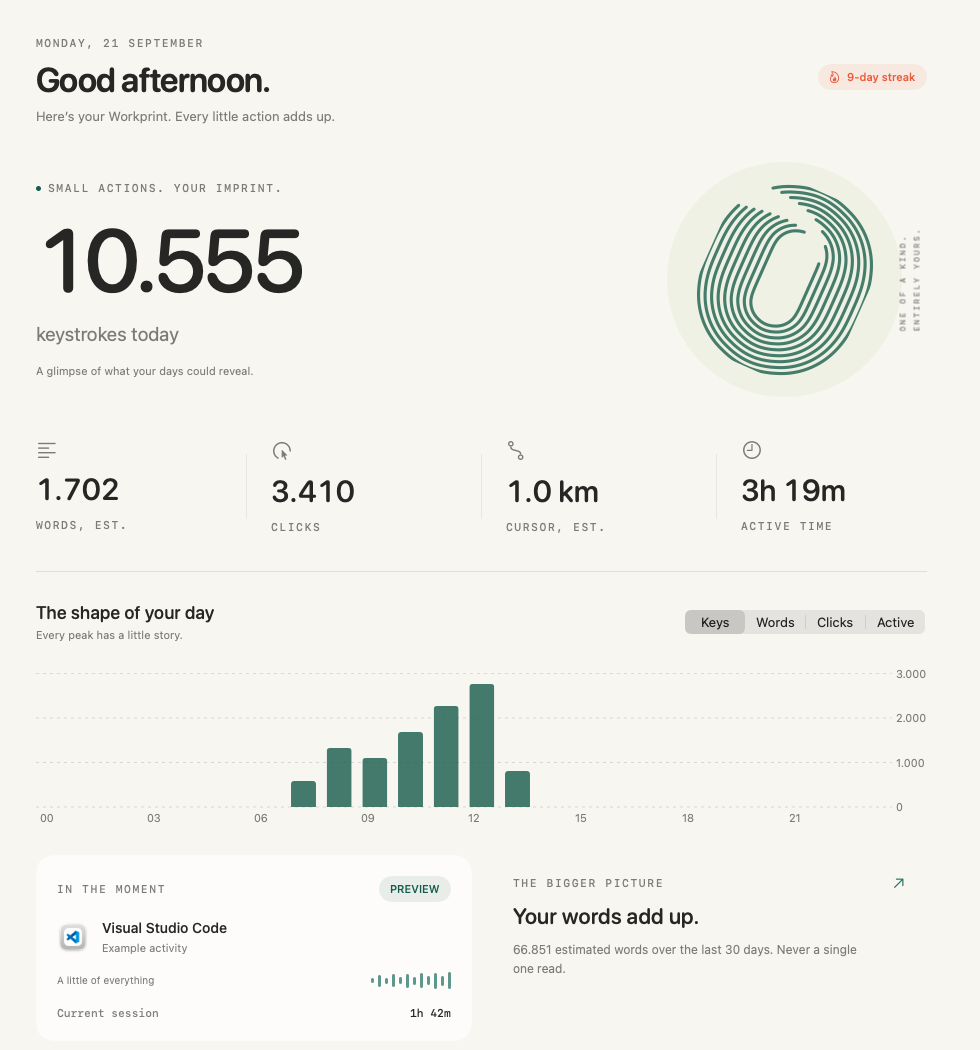
Your day, at a glance. Mac app shown with sample data. Windows has its own native interface.
Some days are a flurry of ideas. Some are a thousand tiny edits. Workprint lets you notice your own patterns—without telling you what kind of day you should have.
Keystrokes, estimated words, shortcuts, and all those little backspaces. The amount, never the content.
Clicks, scrolling, and estimated cursor travel. An ordinary workday, seen from a new angle.
Active hours, app activity, and daily patterns. Personal observations, without productivity labels.
Your activity becomes an immersive Wrapped. Big numbers. Familiar habits. A few surprises. And a keepsake worth sharing.
Weekly, monthly, and yearly editions.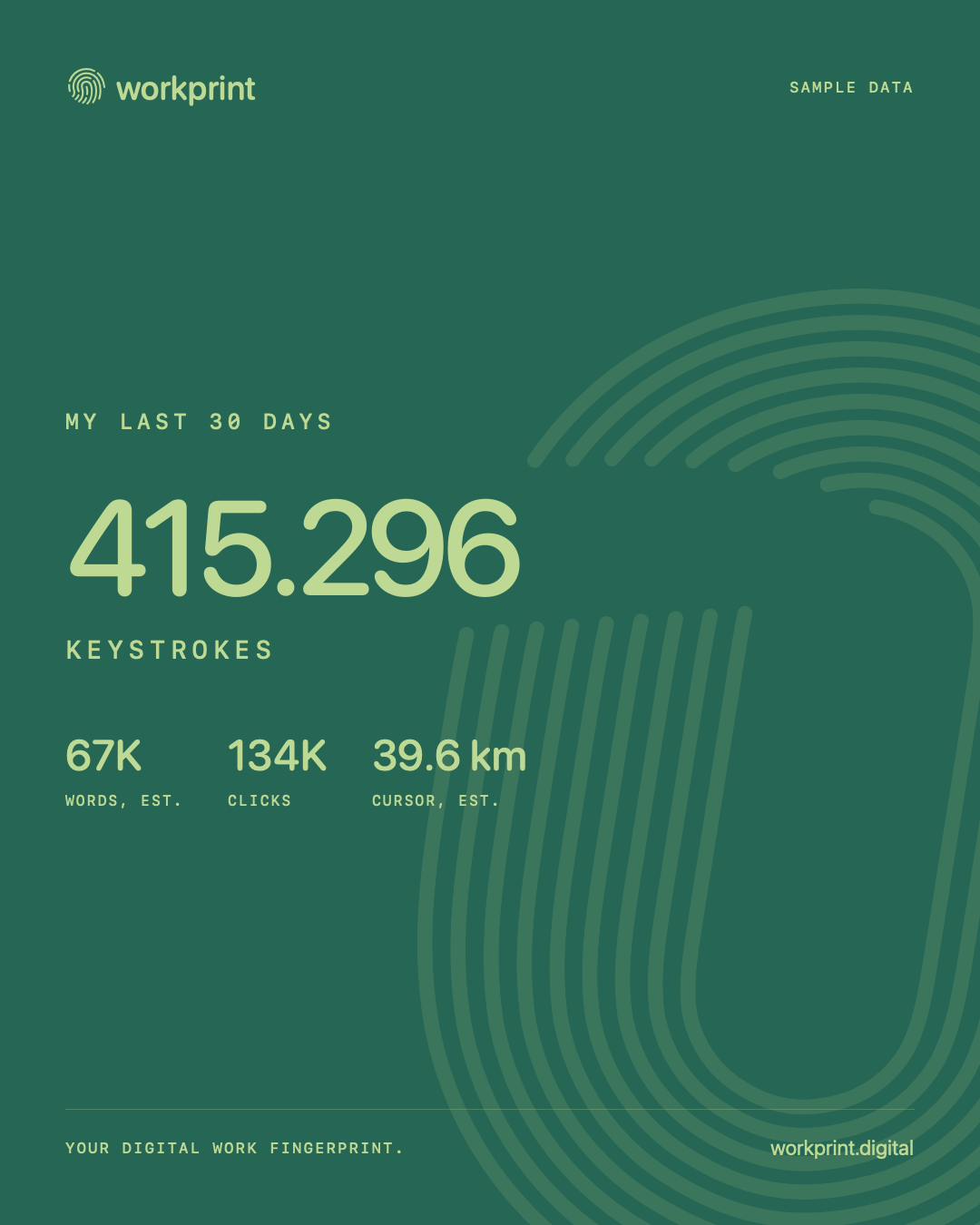 Made on your computer.
A quiet afternoon. Your busiest hour. A familiar app. The longer you use Workprint, the more your own picture comes into focus.
Start with your next little moment ↗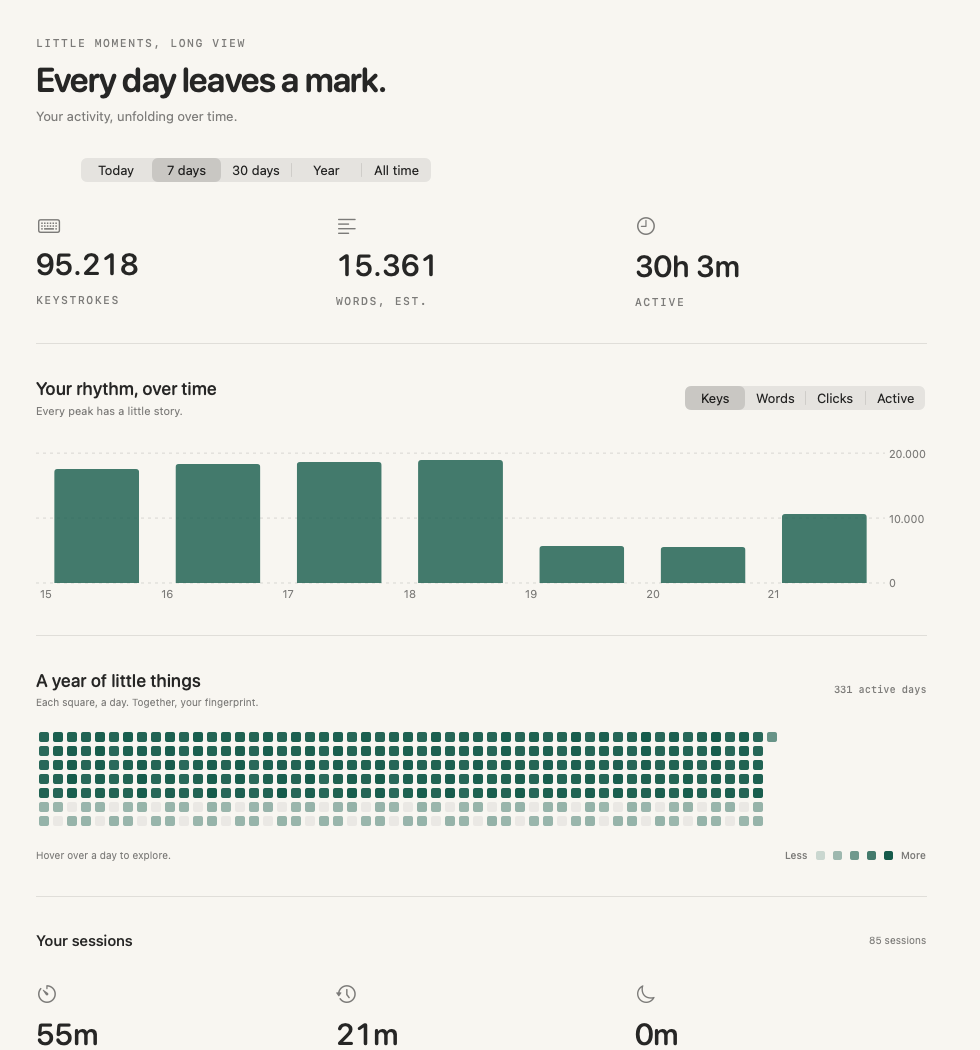
A thousand keys can tell a story.
We’ll never know what that story says.
Your activity stays local. No account or cloud service is needed to use the app.
No typed text, clipboard contents, screenshots, document names, or browser URLs are stored.
Pause tracking, exclude apps, export your totals, or delete your activity whenever you choose.
Choose your computer. Start counting in three simple steps.
No account. No subscription required for the beta.
macOS 14 or later · Apple Silicon & Intel
0.1.1 beta · Signed & notarizedSigned with Developer ID and notarized by Apple. Open the disk image, drag Workprint to Applications, and choose when to start counting.
Download Mac beta ↘Windows 11 · 64-bit Intel / AMD
0.1.0 beta · Native Windows installerInstall for your Windows account. This beta has no verified publisher signature, so Windows may display a security or reputation warning.
Download Windows beta ↘Beta software can have bugs. No account or payment is required to try this beta.
Your downloads are hosted in Workprint’s official GitHub release repository.
Yes, once you have enabled tracking and granted the required permissions. Closing the window leaves Workprint running in the Mac menu bar or Windows system tray. On Mac 0.1.1+, ⌘Q hides Workprint and keeps it running; use Stop tracking and quit (⌥⌘Q) to exit. On Windows, choose Quit in the tray menu to exit. Shutting down your computer stops the app. Pausing, excluded apps and operating-system restrictions can also stop or limit counting.
Workprint receives input events to classify them, then immediately turns them into anonymous counts. It never extracts or stores typed characters or a sequence of key codes. It cannot show you what you typed.
No. There are no productivity scores, app judgments, employer dashboards, or recommendations about how you should spend your day. This is your personal activity, described rather than graded.
They are estimates. Words are estimated from space and return presses. Cursor and scroll distances use a standard conversion, not a physical measurement of your hand. Secure fields and operating-system restrictions can leave gaps.
No. Share cards are rendered locally. You decide whether to save an image and where to share it.